
Tech updates
Share this
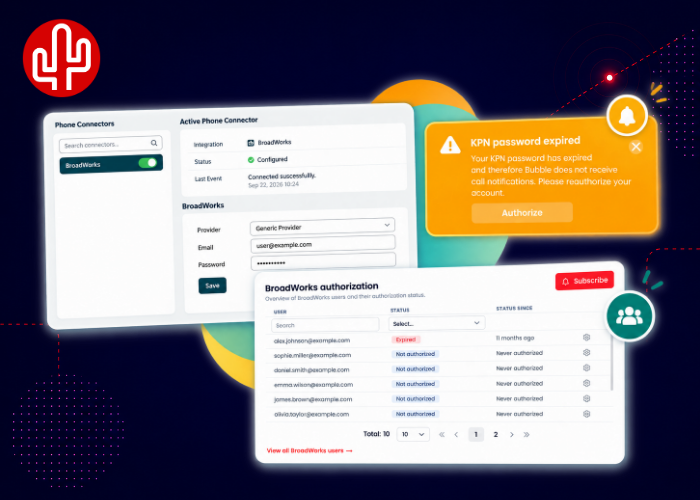
Good news for users of telephony platforms based on BroadWorks, including KPN, RoutIT, Gamma, Saicom, Vodafone and UCXcel. We have introduced several improvements that make the BroadWorks Phone Connector in Bubble even easier to configure and manage.
Easier configuration for end users
Previously, BroadWorks credentials had to be entered centrally in the Partner Portal before users could connect their telephony platform through Bubble to 250+ supported CRM systems. Although this worked well from a technical perspective, it was not always immediately clear to end users where these credentials needed to be entered. We have now changed that.
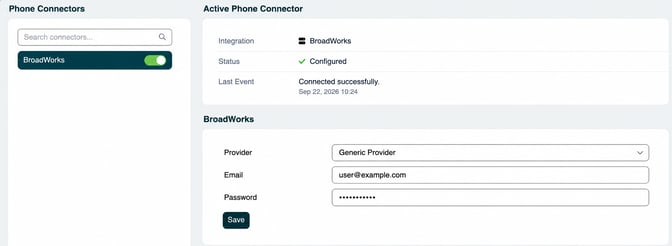
From now on, end users can enter their BroadWorks credentials directly when configuring the Phone Connector. This can be done either from the Bubble Desktop application or through the Webconfigurator. This makes the configuration process much easier and puts the settings exactly where users expect to find them.
Clearer reauthorization notifications
We have also improved the reauthorization process. For example, when a BroadWorks password expires, the connection needs to be reauthorized. Recent versions of Bubble already displayed a yellow notification to alert the user when this was required. Until now, however, this notification always displayed the name BroadWorks. For many end users, BroadWorks as the underlying technology may not be immediately recognizable.
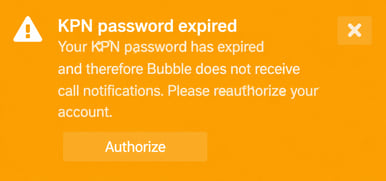
From now on, Bubble automatically displays the name of the selected telecom provider instead. For example, a KPN user will see KPN in the notification, while users of other BroadWorks providers will see the name of their own provider. A small change that makes it much clearer to end users what is expected of them.
New BroadWorks Authorization widget
The final improvement focuses on management and proactive monitoring. Users with the Customer Admin role can now add the BroadWorks Authorization widget to their dashboard in the Partner Portal. This widget provides an overview of all BroadWorks users within the organization and their current authorization status. This makes it immediately clear which users have been successfully authorized and which users need to be reauthorized.
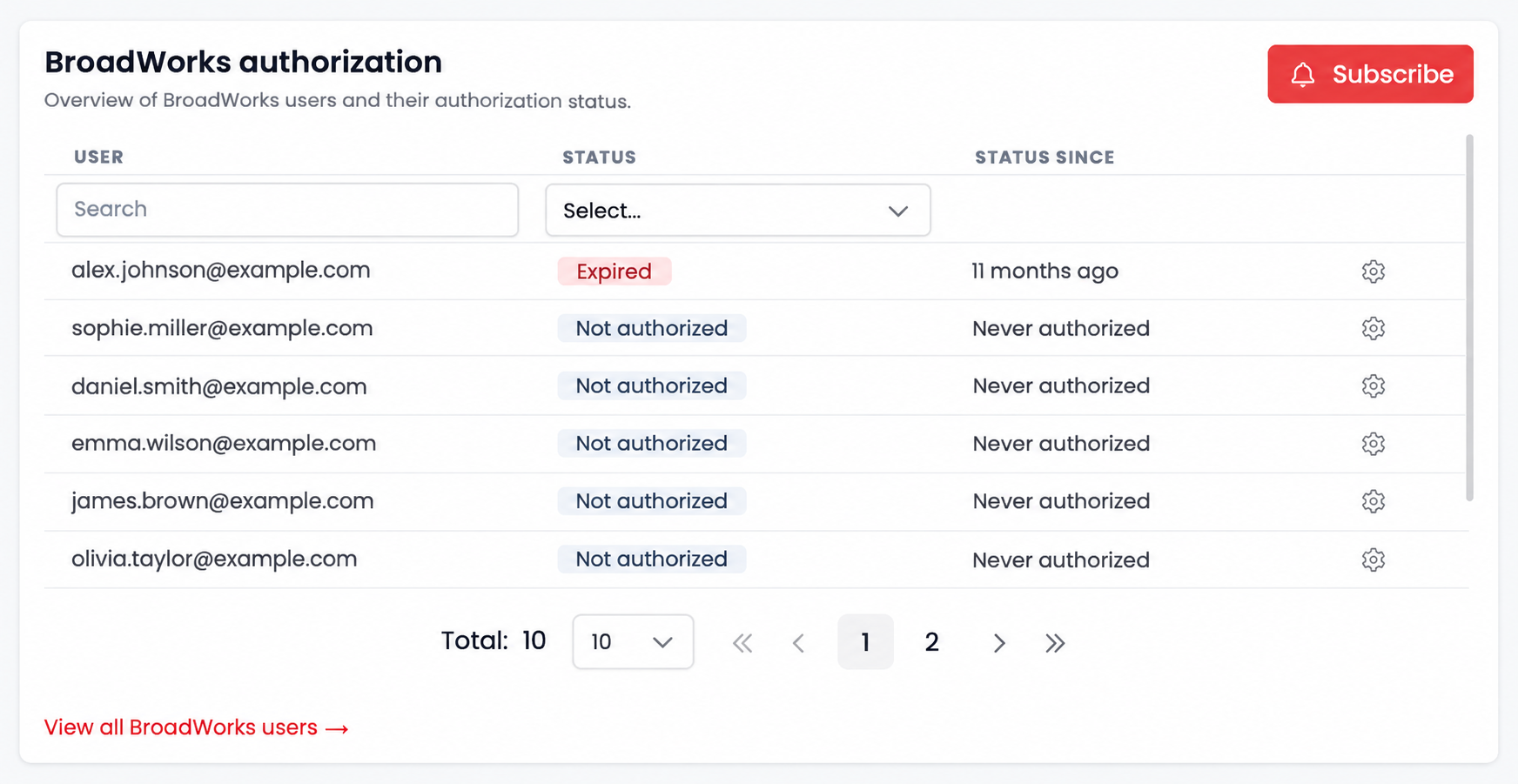
Customer Admins can also subscribe to changes in authorization status using the Subscribe button. Whenever a user's authorization status changes, they will receive a notification. If the notification is not read, an email will also be sent to make sure the change is not missed. Telecom providers can subscribe to these status changes as well. This allows them to proactively monitor their customers' authorization statuses and take action whenever a user needs to be reauthorized.
Easier for users and administrators
With these improvements, we have made the entire BroadWorks authorization process easier: from the initial configuration by the end user to reauthorization and proactive management of authorization statuses by Customer Admins and telecom providers.Want to learn more about the BroadWorks integration and its various possibilities? Visit our Knowledge Base for more information.