
Tech updates
Share this
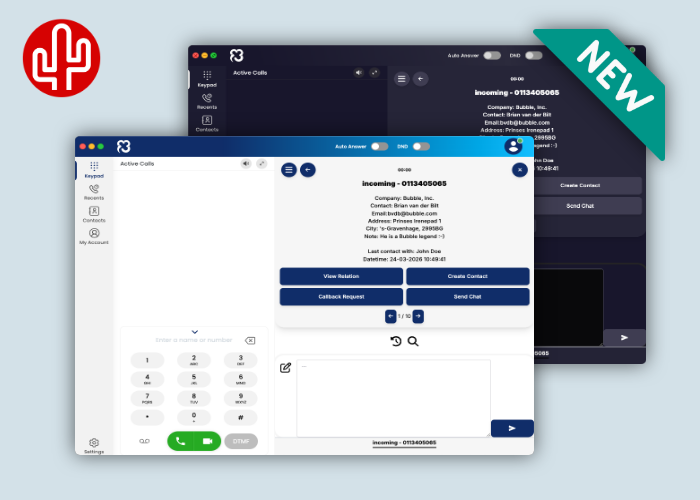
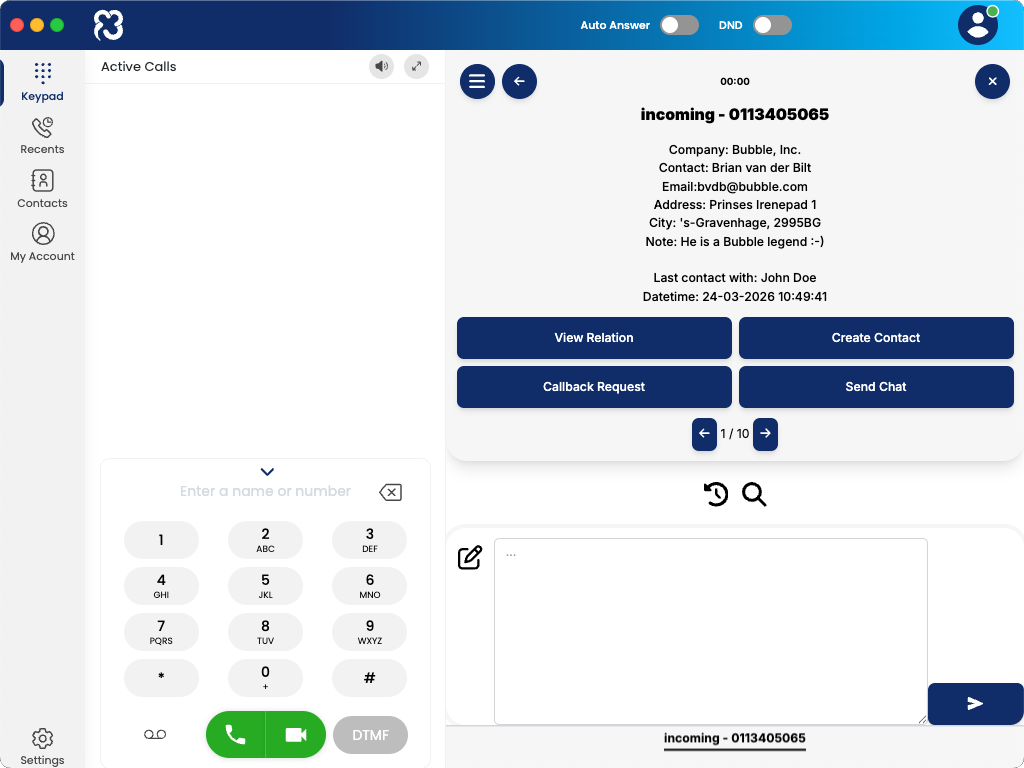
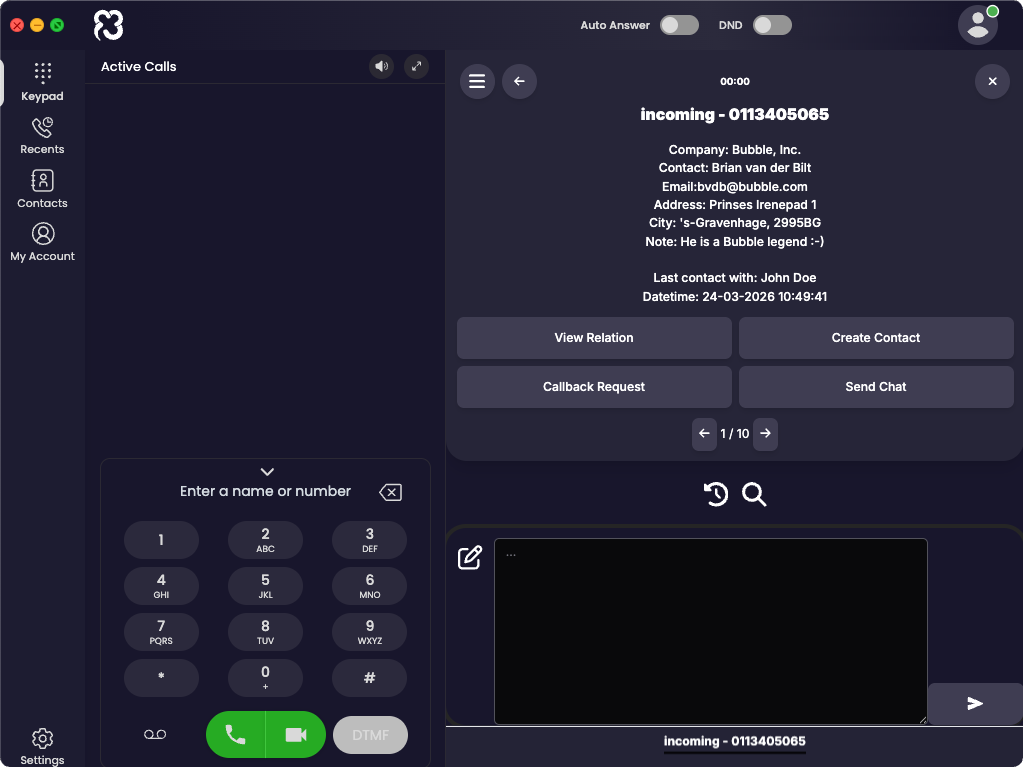
Recently, X2com launched the new ClearVox Nexxt Desktop App: a modern softphone for Windows and macOS that enables users to easily call, collaborate, and manage their availability. Starting from ClearVox version 2.8, the app becomes even more powerful thanks to the full integration of the Bubble CRM integration tool within the desktop softphone, supporting more than 200 CRM applications.
CRM functionality directly inside your softphone
This integration ensures that during an incoming or outgoing phone call, all relevant customer information is instantly displayed. From the overview screen, which can be fully customized to match the user’s preferences, users can immediately perform the desired actions. In addition to CRM-specific actions, several useful standard buttons are available, including custom actions, email, callback requests, WhatsApp, and Microsoft Teams Chat.
If supported by the CRM application, users can automatically push a call log, optionally including call notes, to the activity timeline of a contact within the CRM after the conversation. Working with multiple CRM applications? No problem: users can connect multiple CRM systems simultaneously without affecting the pricing.
SearchBar
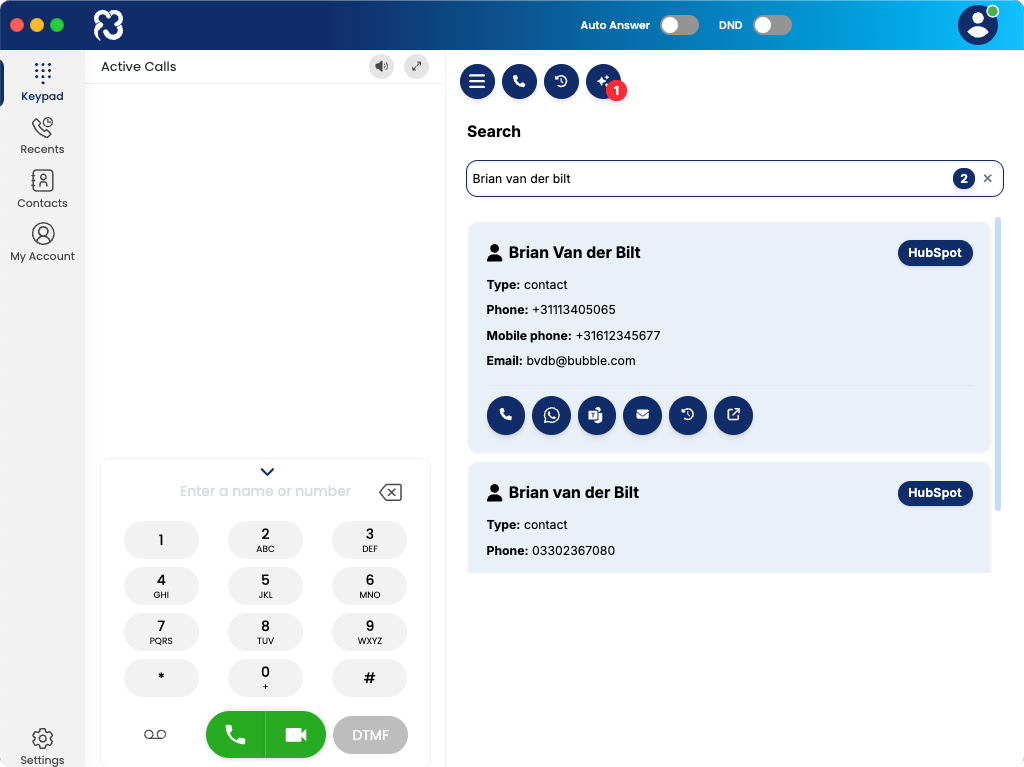
But there’s more! In addition to the notification in the ClearVox Desktop App during an incoming call, it is also possible to search through all your CRM contacts via the SearchBar, optionally combined from multiple sources (check if your CRM supports this feature here). From the search results, you can perform various actions, such as:
- Start an outgoing phone call
- Send a WhatsApp message
- Send a Microsoft Teams chat message
- Send an email
- Open the call history
- Open the contact in CRM
Multi-result
If multiple results are found for the caller’s phone number, you can use the arrow keys (located below the action buttons) to navigate to the next result. If you want to influence which contact is displayed first, you can configure this in the webconfigurator using the advanced filter function.
Call Waiting
If additional calls come in while you are already on a call, they will appear at the bottom of the pop-up notification, allowing you to easily switch between calls with a single click.
Call History
Based on your personal call history, you can start a call with a single click on a phone number. Via the timeline, a pop-up notification opens showing all relevant information linked to that number. During a call, you can also easily see which colleague last had contact with the caller.
Call Logging
From the notification, you can immediately write a call note, which is registered under the correct contact in the CRM after the call ends (check here if your CRM supports this feature). If no call note is created, it is still possible to automatically add a call log to the contact record, including call details such as the time, duration, and the employee involved.
Customer Data
When developing our applications, we adhere to the vision that customer data should be accessed responsibly. For us, there is only one acceptable way: real-time communication with the CRM, without storing customer data outside the CRM application itself. This ensures that customers and partners maintain full control over where their CRM data resides, minimizing the risk of data breaches. Unfortunately, this approach is not yet standard in the world of integrations, and we still see data being synced to external storage sources outside the CRM. This is why a Red Cactus partner has a significant competitive advantage — especially with customers who value careful and responsible handling of CRM data.
More Information
For more information, please contact X2com or your ClearVox Nexxt supplier. Technical information can be found in our knowledge base by clicking here.