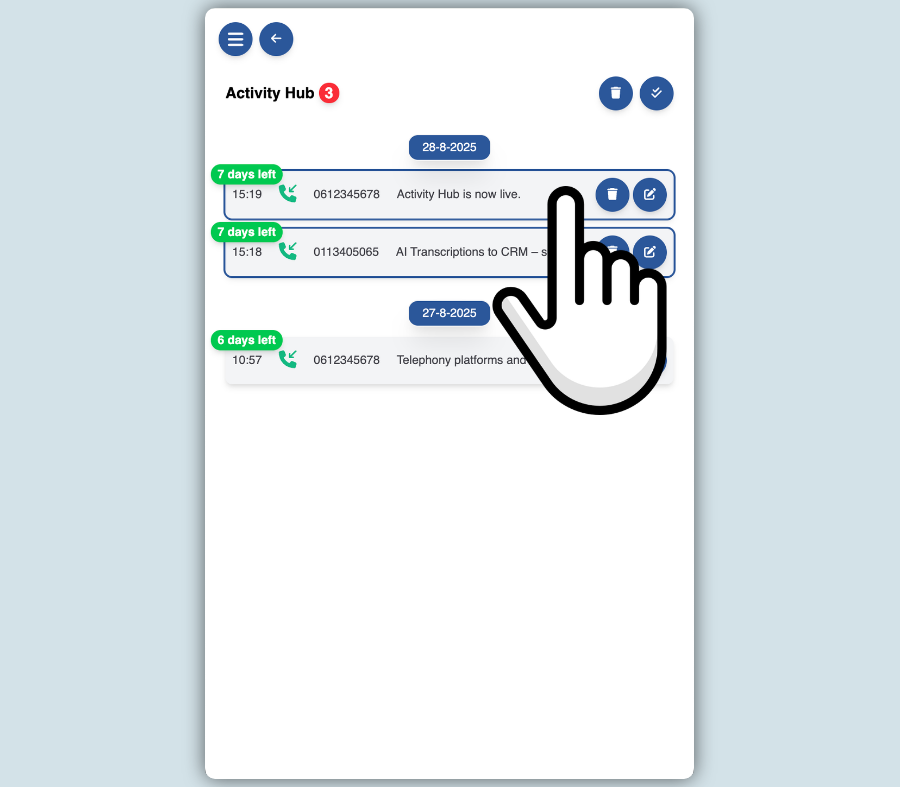
How does the Activity Hub work?
Using the Activity Hub is simple and seamlessly integrates with the familiar Bubble experience. During a phone call, the familiar pop-up notification appears, displaying caller information, action buttons, call control (if supported by the telephony platform), and all the other features users are already familiar with.
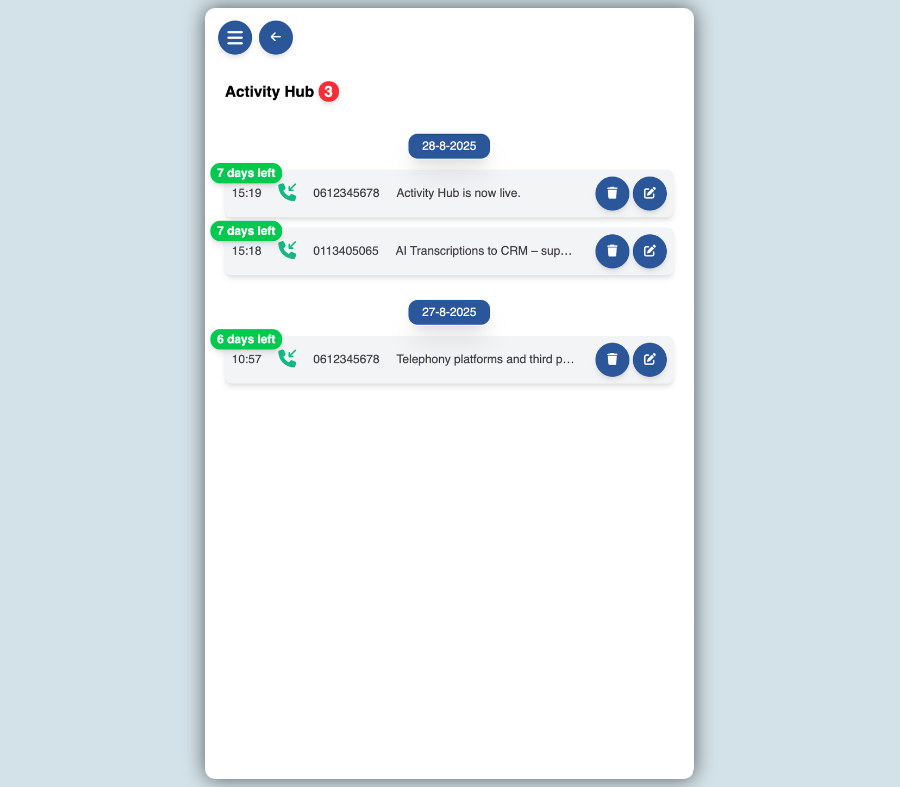
Send a call to the Activity Hub
When the Activity Hub is enabled, you'll receive a notification immediately after the call ends. If needed, you can manually add call notes before the call is processed. Expecting an AI transcript? Simply click the AI icon to send the call log to the Activity Hub, or configure this to happen automatically. Your telephony platform or a connected third-party application will then use AI to generate a call transcript summary from the recording. As soon as the transcript is available, it is automatically linked to the corresponding call log in the Activity Hub, ensuring all call information remains centralized and easy to access.
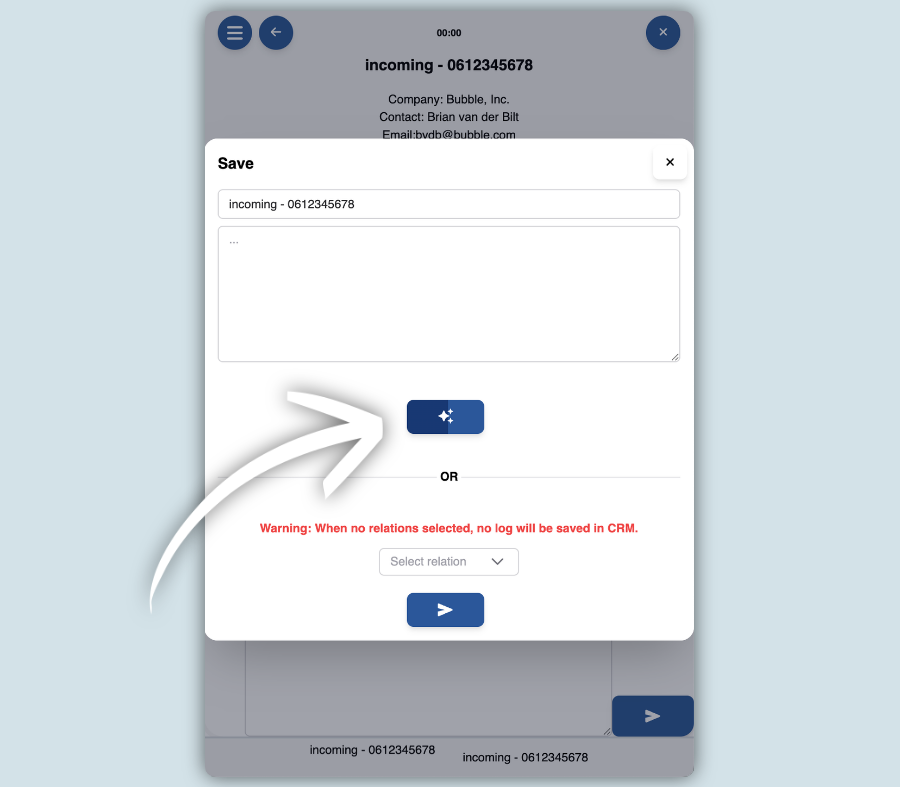
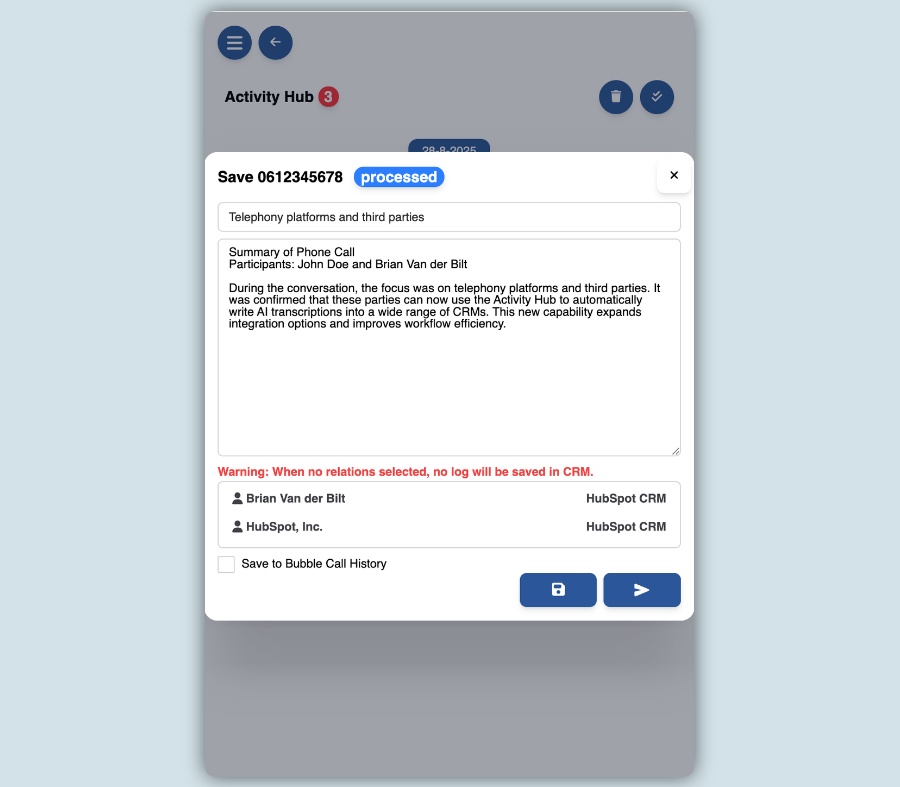
Automatic or manual matching
In the settings, you can choose how AI call transcript summaries are processed. You can configure the Activity Hub to automatically push a transcript to your CRM as soon as it becomes available. This eliminates manual work and ensures all call information is captured immediately. However, there are situations where manual processing is preferred. For example, when multiple contacts share the same phone number and you need to select the correct contact, or when the contact does not yet exist in your CRM and must first be created before the transcript can be linked. Some users also prefer to process transcripts manually by default. This allows you to review, edit, correct, or even delete the transcript before it is sent to your CRM. As an added benefit, any call notes entered during the conversation are automatically included in the final transcript, giving you one complete and accurate record in your CRM.
Manual search
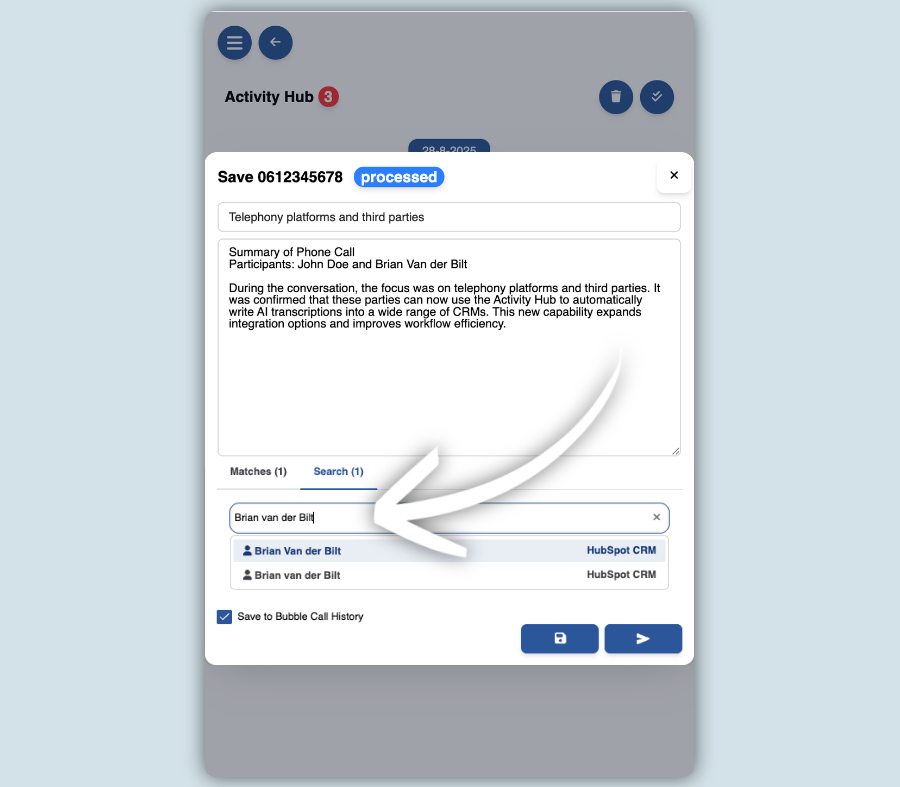
When a contact is unknown in your CRM, or when you want to link an AI call transcript summary to a different contact or company than the one that was matched automatically, you can use the Assign Call Log to Search Result function. This allows you to perform a real-time search in your CRM and link the transcript to the correct contact or company, provided your CRM supports this functionality.
Automatically or manually clean up activities
Activities remain visible in the Activity Hub for up to seven days, unless you delete them manually sooner. Using the multi-select feature, you can easily remove multiple activities at once. Activities may also be removed automatically based on the timer you configure. This timer determines how long the Activity Hub waits for an AI call transcript summary to become available. Once the configured waiting period has expired, the activity is automatically pushed to your CRM—with or without the transcript, depending on whether it has become available.